It is possible to upload grades for assessments into the Quercus gradebook. We recommend:
- Make sure all assignments for which you are adding grades have already been created in the system so that imported grades have a place to be added.
- The system works best if your upload file is in the proper formatting. It is recommended that you export a copy of the Gradebook first and then edit it as needed before importing it back into the system.
- Importing grades from Scantron assessments? Use the UT OMR Grade Upload Tool
Step by Step Instructions for Importing Grades
1. Select Grades from the Course Menu.
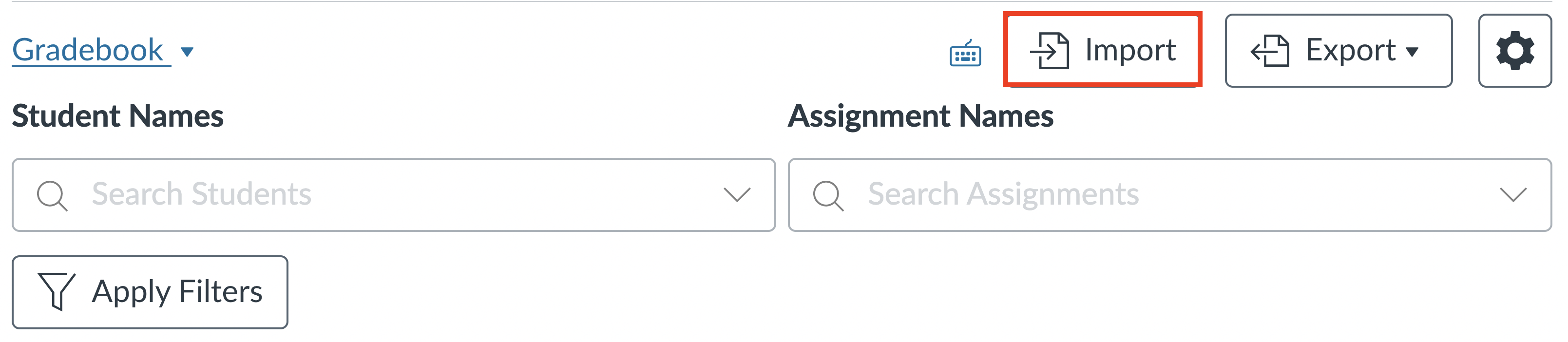
2. Select the Import button.
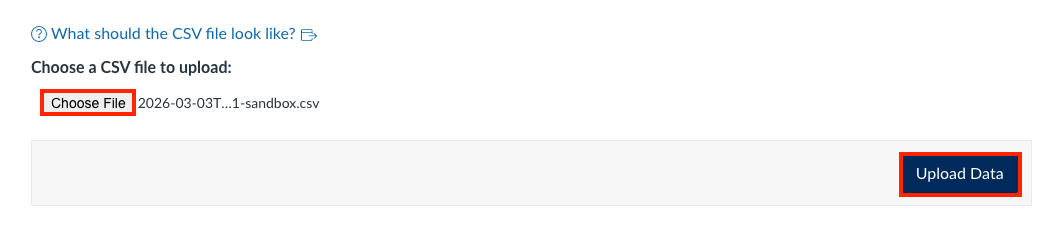
3. Select the Browse or Choose File button (depending on your browser) and then select Open to upload the updated CSV file.
4. Select the Upload Data button.
5. Confirm the grade changes and select the Save Changes button. In the box that appears, select the OK button to confirm the Gradebook changes and be re-directed to the Gradebook page.