The calendar tool within Quercus displays information for each of your enrolled Quercus courses and groups. It can be found via the Calendar link in the Quercus global menu. All assessments with due dates, such as assignments and quizzes, will appear in the calendar automatically.
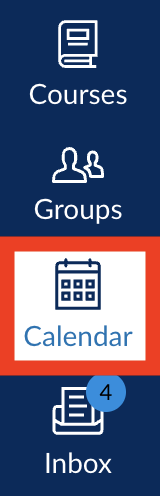
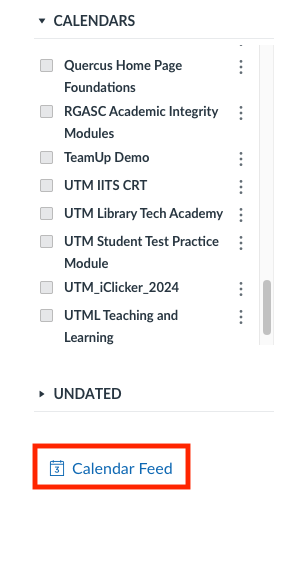
Each course has it's own calendar and these can be toggled on and off by clicking on the box next to the calendar name.

A feed is available which allows you to import your Quercus calendar into another calendar app such as Outlook, Google Calendar or iCal. It can be found below your list of calendars.
Additional Resources:
- Using the Quercus calendar for appointments with students (such as online office hours)
- Instructions for students to book a Calendar Appointment
- Calendar Overview (opens in a new page - Instructure Canvas website)